Components
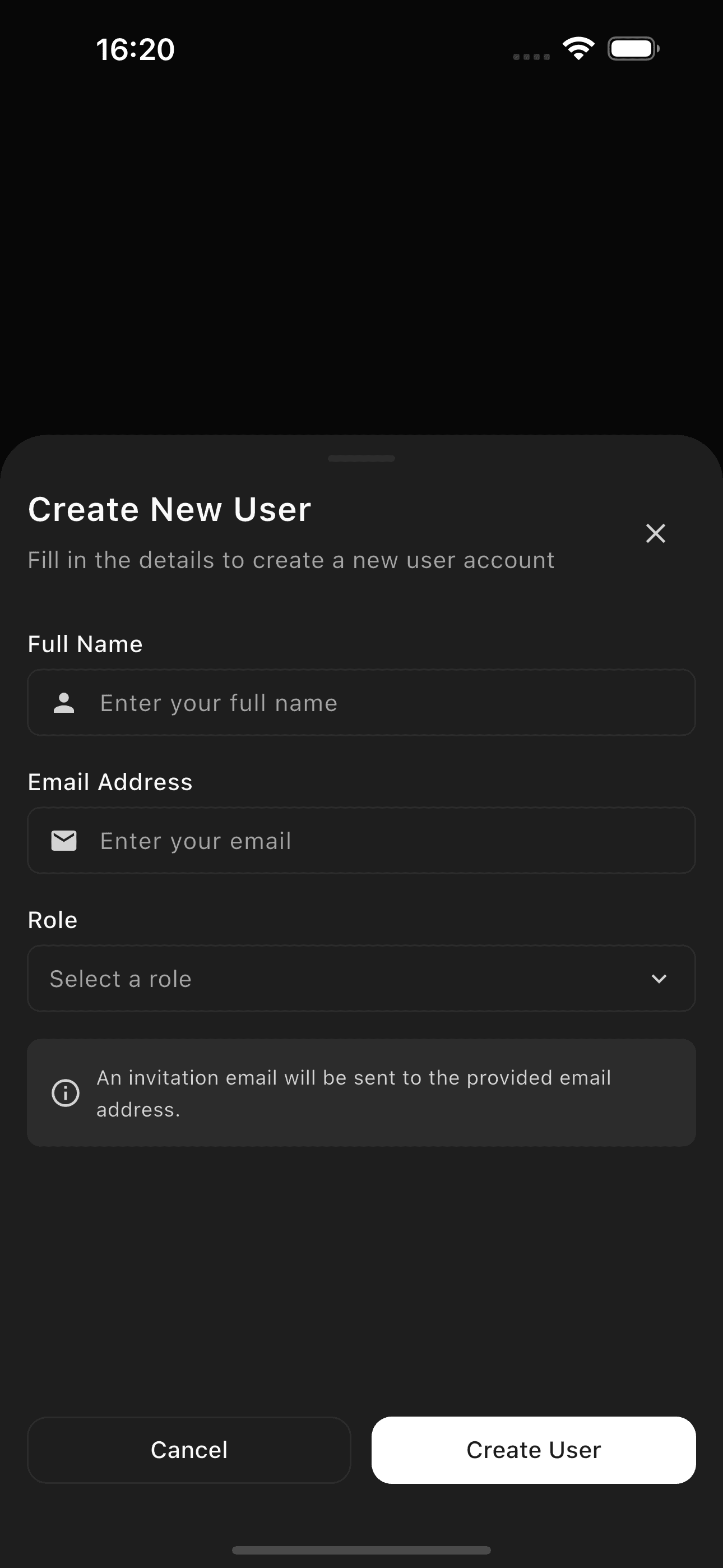
Bottom Sheet A modal or persistent overlay that slides up from the bottom of the screen
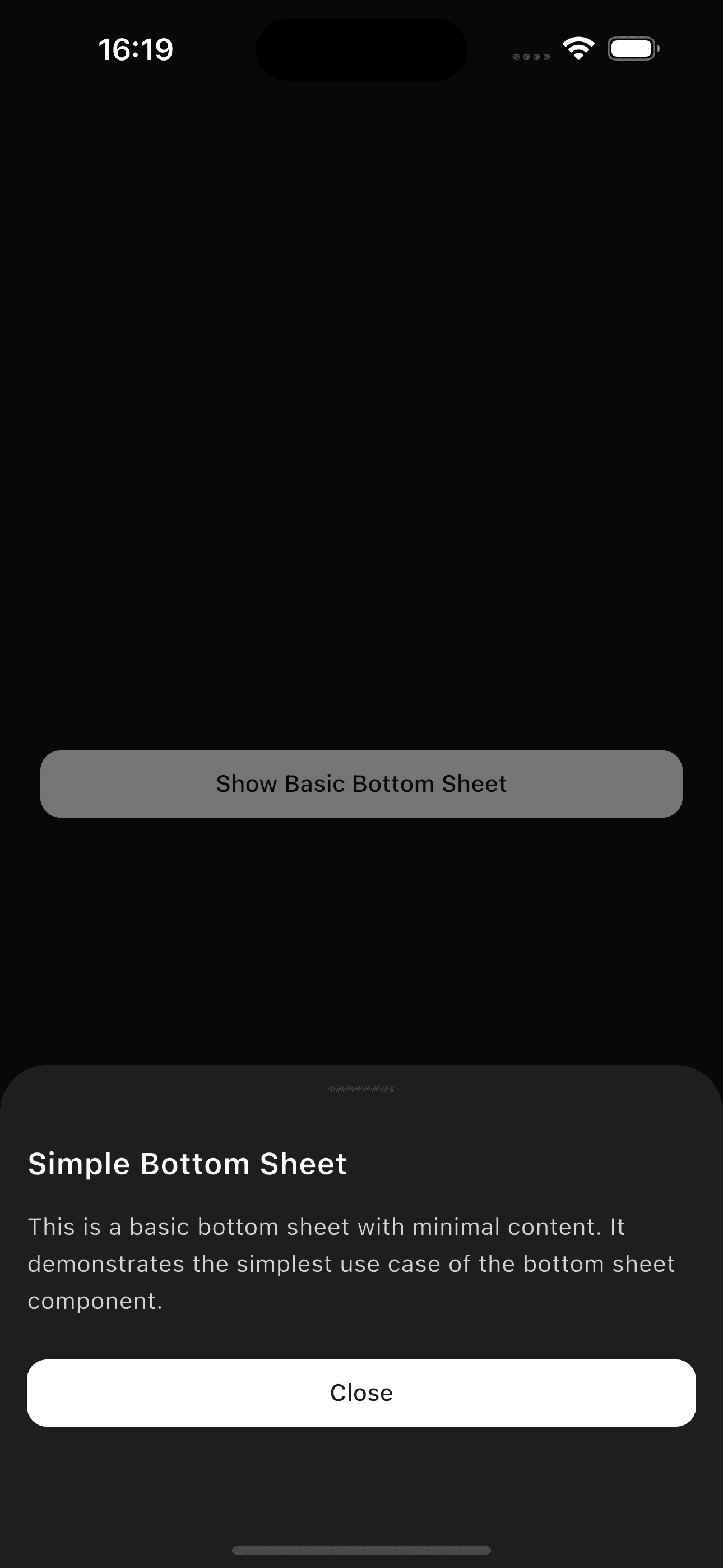
fluttercn add bottom-sheet Simple modal bottom sheet with content:
Preview Code
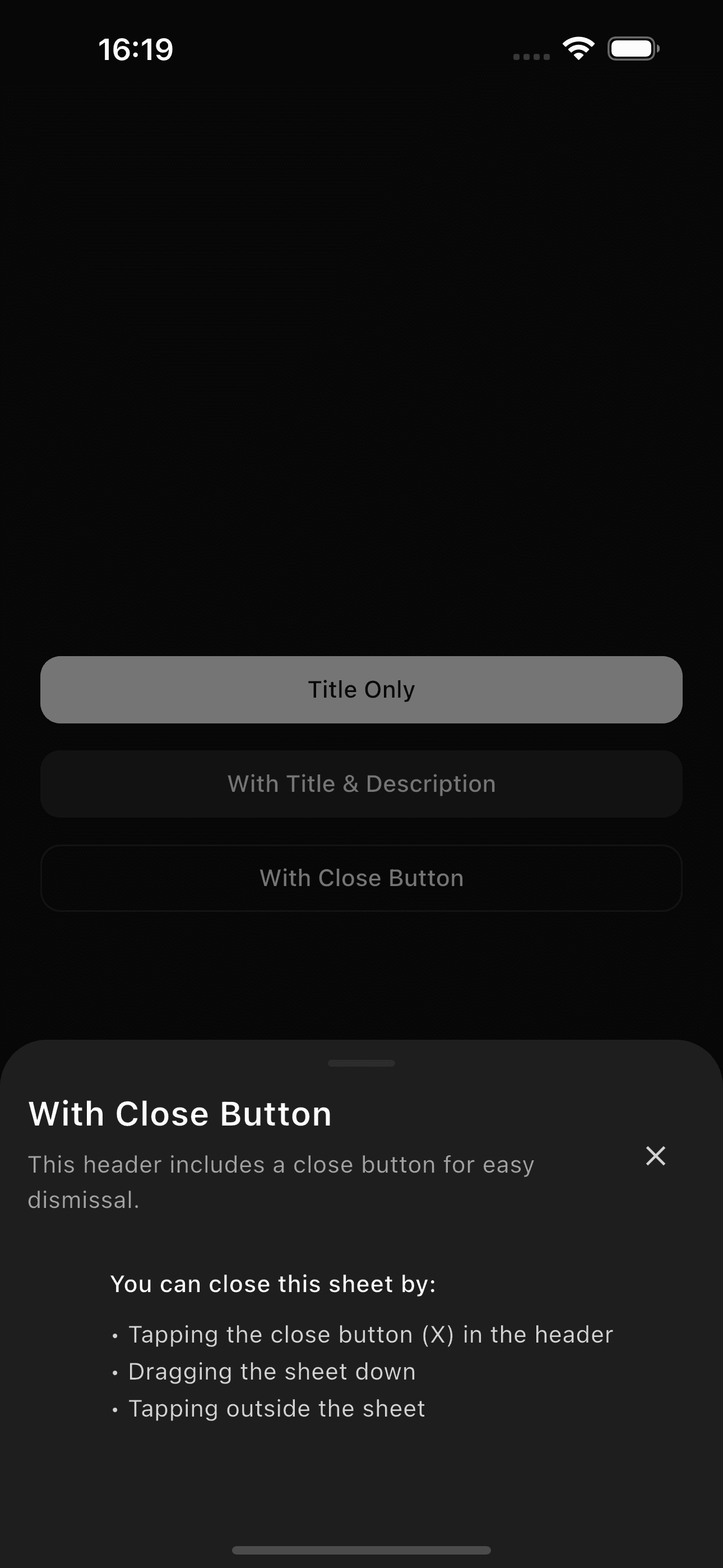
showAppBottomSheet ( context : context, builder : (context) => BottomSheetContent ( child : Text ( 'Bottom sheet content goes here' ), ), ) Bottom sheet with title, description, and close button:
Preview Code
showAppBottomSheet ( context : context, builder : (context) => Column ( mainAxisSize : MainAxisSize .min, children : [ BottomSheetHeader ( title : BottomSheetTitle ( 'Sheet Title' ), description : BottomSheetDescription ( 'Description goes here' ), showCloseButton : true , ), BottomSheetContent ( child : Text ( 'Your content here' ), ), ], ), ) Four predefined sizes for different content heights:
Preview Code
// Small - 30% of screen height showAppBottomSheet ( context : context, size : BottomSheetSize .sm, builder : (context) => YourContent (), )
// Medium - 50% of screen height (default) showAppBottomSheet ( context : context, size : BottomSheetSize .md, builder : (context) => YourContent (), )
// Large - 75% of screen height showAppBottomSheet ( context : context, size : BottomSheetSize .lg, builder : (context) => YourContent (), )
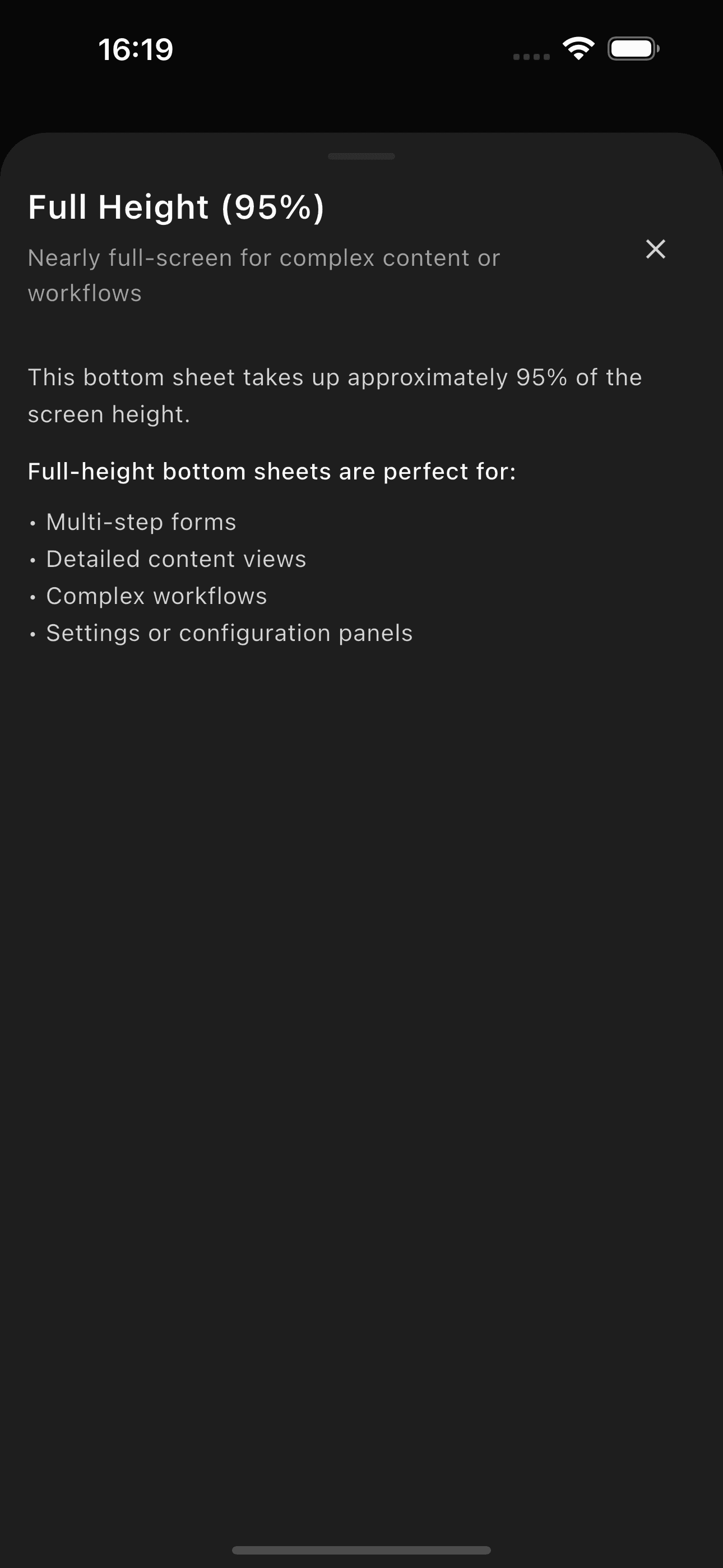
// Full - 95% of screen height showAppBottomSheet ( context : context, size : BottomSheetSize .full, builder : (context) => YourContent (), ) For long content that needs scrolling:
Preview Code
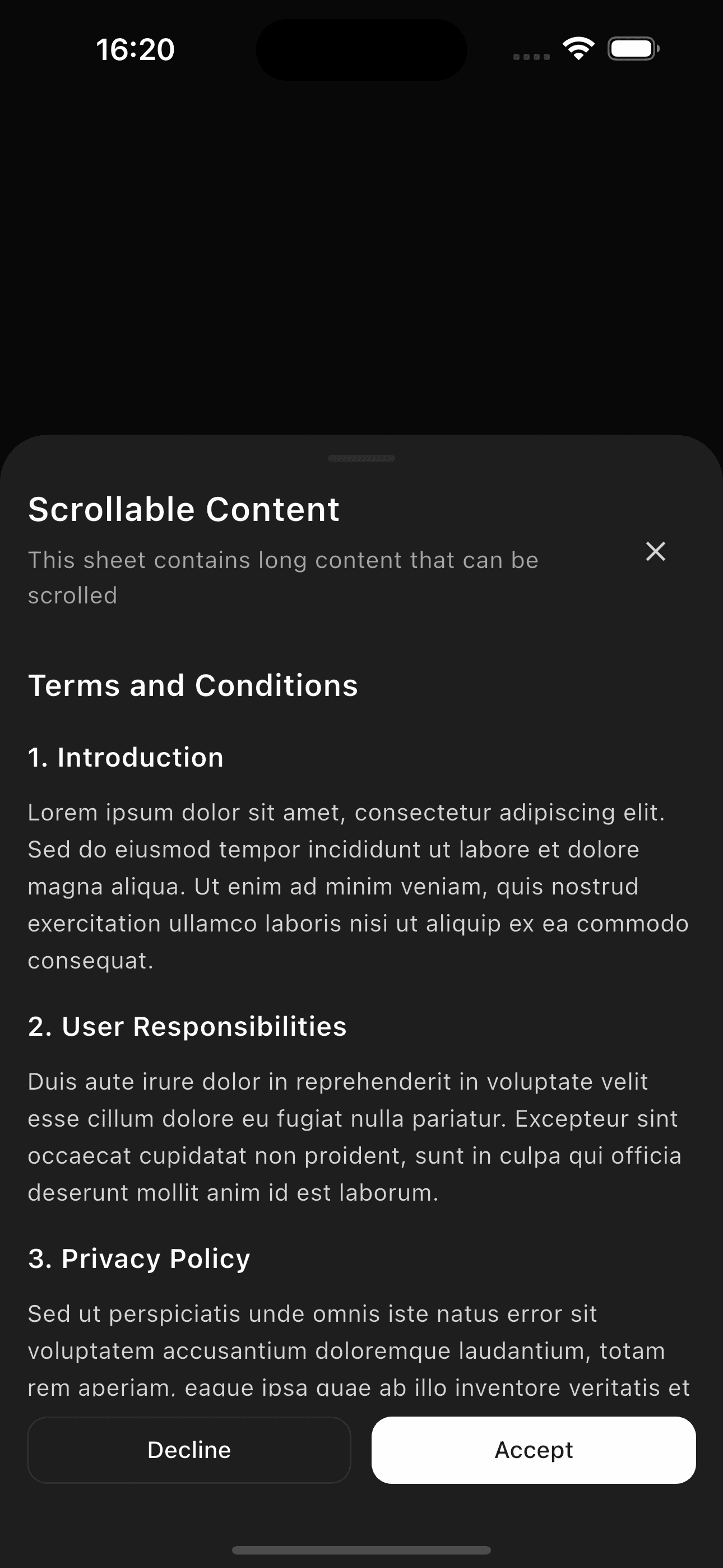
showAppBottomSheet ( context : context, size : BottomSheetSize .lg, builder : (context) => Column ( mainAxisSize : MainAxisSize .min, children : [ BottomSheetHeader ( title : BottomSheetTitle ( 'Long Content' ), showCloseButton : true , ), BottomSheetContent ( scrollable : true , child : Column ( children : [ // Your long content here ... List . generate ( 20 , (index) => ListTile (title : Text ( 'Item $ index ' )), ), ], ), ), ], ), ) Add action buttons in a footer section:
Preview Code
showAppBottomSheet ( context : context, builder : (context) => Column ( mainAxisSize : MainAxisSize .min, children : [ BottomSheetHeader ( title : BottomSheetTitle ( 'Confirm Action' ), description : BottomSheetDescription ( 'Please confirm your choice' ), ), BottomSheetContent ( child : Text ( 'This action cannot be undone' ), ), BottomSheetFooter ( child : BottomSheetActions ( secondaryAction : Button ( variant : ButtonVariant .outline, onPressed : () => Navigator . pop (context), child : Text ( 'Cancel' ), ), primaryAction : Button ( onPressed : () => Navigator . pop (context, true ), child : Text ( 'Confirm' ), ), ), ), ], ), ) Preview Code
showAppBottomSheet ( context : context, size : BottomSheetSize .lg, builder : (context) => Column ( mainAxisSize : MainAxisSize .min, children : [ BottomSheetHeader ( title : BottomSheetTitle ( 'Edit Profile' ), showCloseButton : true , ), BottomSheetContent ( child : Column ( children : [ TextField ( label : 'Name' , placeholder : 'Enter your name' , ), SizedBox (height : AppTheme .spaceMd), TextField ( label : 'Email' , placeholder : 'Enter your email' , ), SizedBox (height : AppTheme .spaceMd), TextField ( label : 'Bio' , placeholder : 'Tell us about yourself' , maxLines : 3 , ), ], ), ), BottomSheetFooter ( child : BottomSheetActions ( secondaryAction : Button ( variant : ButtonVariant .outline, fullWidth : true , onPressed : () => Navigator . pop (context), child : Text ( 'Cancel' ), ), primaryAction : Button ( fullWidth : true , onPressed : () { // Save changes Navigator . pop (context); }, child : Text ( 'Save' ), ), ), ), ], ), ) Property Type Default Description contextBuildContextrequired Build context builderWidgetBuilderrequired Builder function for sheet content sizeBottomSheetSizemdPredefined height isScrollControlledbooltrueAllow custom height control isDismissiblebooltrueAllow dismiss by tapping outside enableDragbooltrueEnable swipe to dismiss useSafeAreabooltrueRespect safe areas resizeToAvoidBottomInsetbooltrueResize when keyboard appears backgroundColorColor?transparentBackground color barrierColorColor?black54Overlay backdrop color constraintsBoxConstraints?nullCustom size constraints
Property Type Default Description contextBuildContextrequired Build context builderWidgetBuilderrequired Builder function for sheet content backgroundColorColor?surfaceBackground color enableDragbooltrueEnable swipe to dismiss constraintsBoxConstraints?nullCustom size constraints
Property Type Default Description contextBuildContextrequired Build context titleStringrequired Confirmation title descriptionStringrequired Confirmation description confirmTextStringConfirmConfirm button text cancelTextStringCancelCancel button text isDestructiveboolfalseUse destructive styling for confirm iconWidget?nullOptional icon above title
Property Type Default Description titleBottomSheetTitle?nullTitle widget descriptionBottomSheetDescription?nullDescription widget childWidget?nullCustom header content (cannot use with title/description) showCloseButtonboolfalseShow close button onCloseVoidCallback?nullCustom close handler paddingEdgeInsets?nullCustom padding
Property Type Default Description textStringrequired The title text styleTextStyle?nullCustom text style
Property Type Default Description textStringrequired The description text styleTextStyle?nullCustom text style
Property Type Default Description childWidgetrequired Content widget scrollableboolfalseEnable scrolling paddingEdgeInsets?nullCustom padding physicsScrollPhysics?nullScroll physics scrollControllerScrollController?nullExternal scroll controller
Property Type Default Description childWidgetrequired Footer widget paddingEdgeInsets?nullCustom padding
Property Type Default Description primaryActionWidget?nullPrimary action button secondaryActionWidget?nullSecondary action button spacingdoubleAppTheme.spaceMdSpace between buttons directionAxishorizontalLayout direction mainAxisAlignmentMainAxisAlignmentendAlignment for horizontal layout
Property Type Default Description isLoadingboolrequired Whether to show loading childWidgetrequired Content widget loadingWidgetWidget?nullCustom loading indicator loadingTextString?nullOptional loading text
sm - Small (30% of screen height)md - Medium (50% of screen height, default)lg - Large (75% of screen height)full - Full (95% of screen height)
Multiple Sizes - Four predefined sizes for different content heightsScrollable Content - Built-in scroll support for long contentComposable Structure - Separate header, content, and footer sectionsKeyboard Aware - Automatically adjusts for keyboardSafe Areas - Respects device safe areas and notchesDrag Handle - Visual indicator for swipe gesturesConfirmation Template - Pre-built confirmation dialogLoading States - Built-in loading overlay componentPersistent Mode - Non-modal sheets that don't block interactionThemed - Automatically adapts to light/dark mode
Bottom sheets automatically handle keyboard appearance and safe areas. The content
will resize and adjust to avoid being hidden behind the keyboard or system UI.
When using BottomSheetContent with scrollable: true, avoid nesting scrollable
widgets as this can cause gesture conflicts.
Use BottomSheetSize.sm for simple confirmations or quick actions
Use BottomSheetSize.md for forms with a few fields
Use BottomSheetSize.lg for longer forms or lists
Use BottomSheetSize.full for complex multi-step flows
Always provide a way to dismiss (close button or swipe)
Use showConfirmationBottomSheet for destructive actions
Enable scrollable for content that might overflow
Use BottomSheetActions for consistent button layouts
Show loading states with BottomSheetLoadingOverlay
Use persistent sheets for non-modal overlays that shouldn't block interaction
 fluttercn