 fluttercn
Toggle
A smooth switch component for binary on/off interactions
Installation
fluttercn add toggleUsage
Basic
Use Toggle anywhere you need a quick on/off switch. The component is fully controlled, so keep the current value in state and pass an onChanged callback.
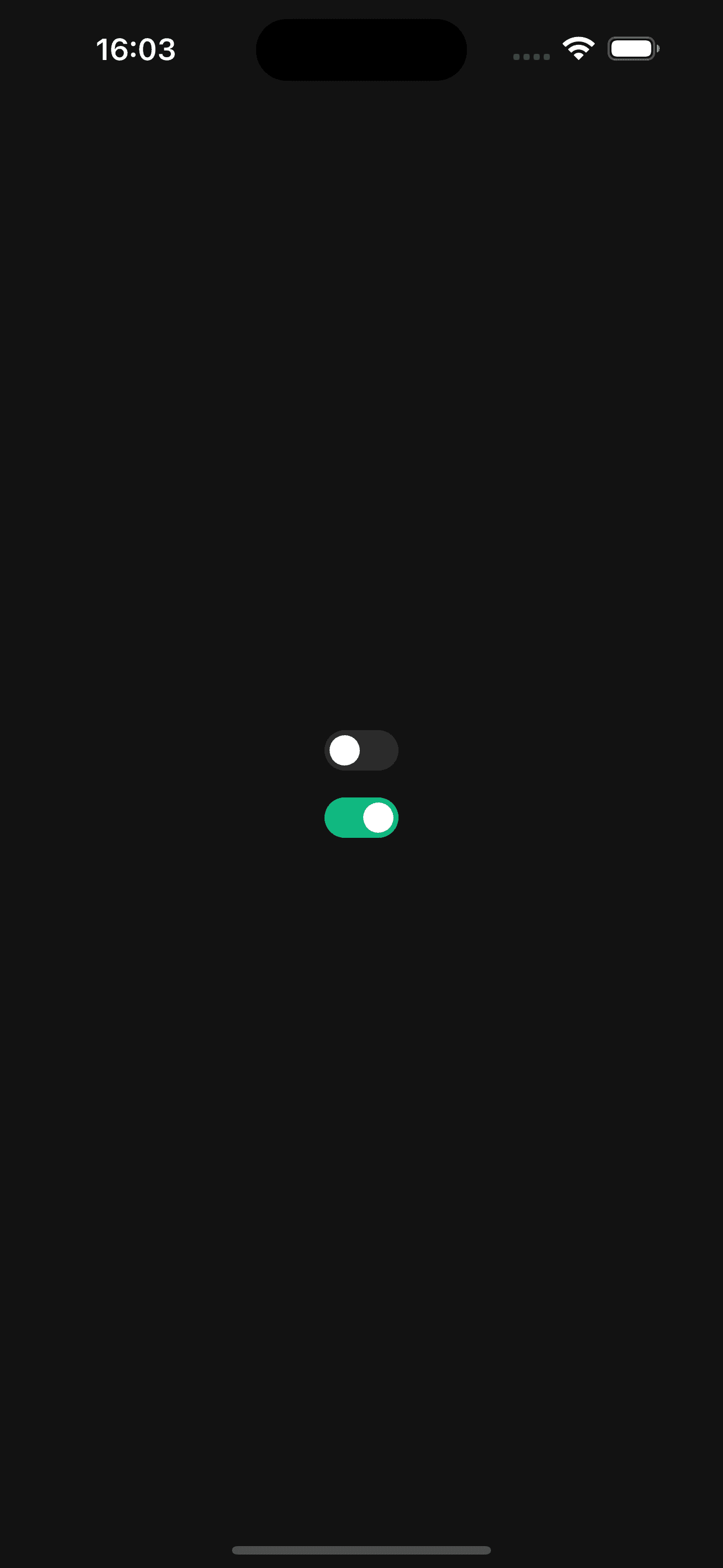
class BasicToggleExample extends StatefulWidget {
  const BasicToggleExample({super.key});

  @override
  State<BasicToggleExample> createState() => _BasicToggleExampleState();
}

class _BasicToggleExampleState extends State<BasicToggleExample> {
  bool _enabled = false;

  @override
  Widget build(BuildContext context) {
    return Toggle(
      value: _enabled,
      onChanged: (value) => setState(() => _enabled = value),
    );
  }
}
With Label
Add a label to describe what the toggle controls. The label automatically adapts its typography, spacing, and disabled styles.
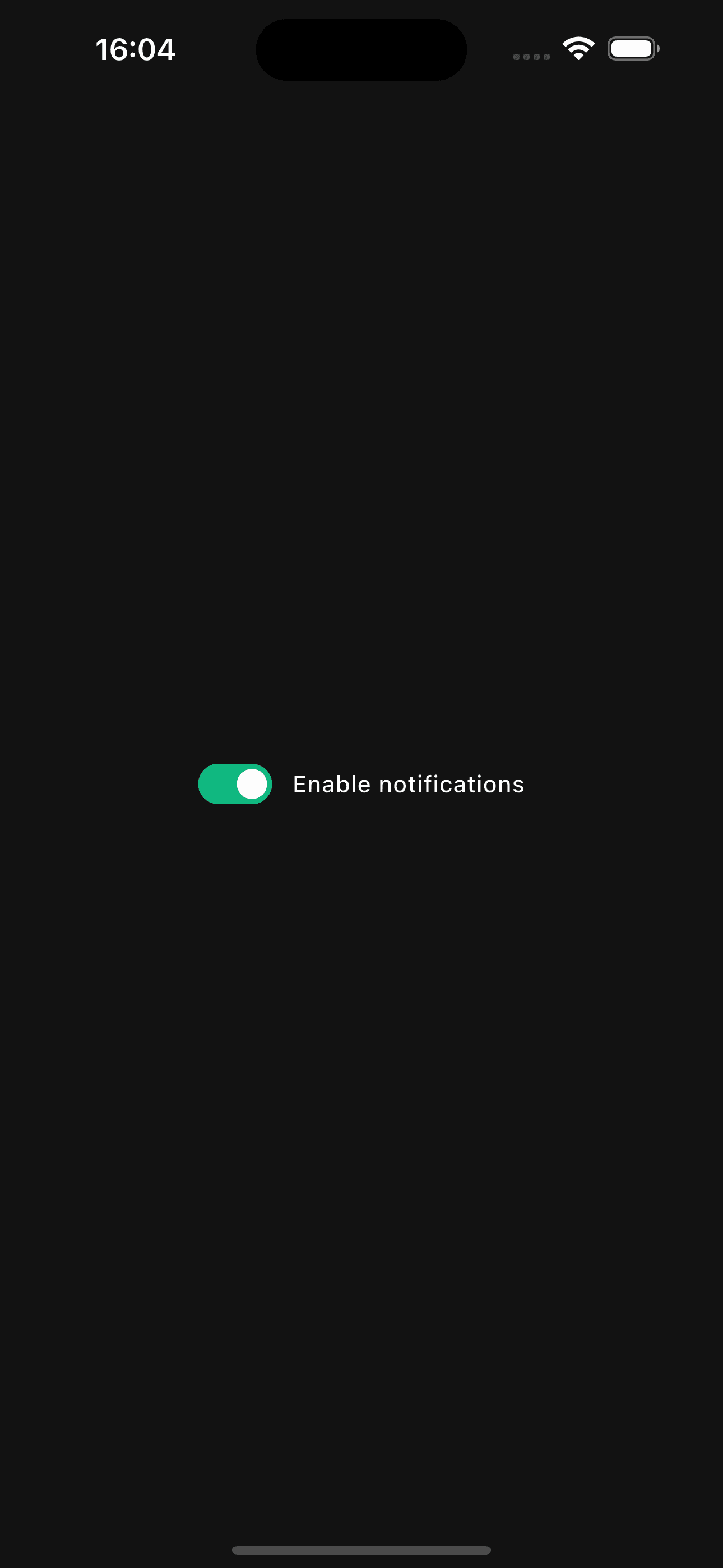
Toggle(
  value: notifications,
  label: 'Enable notifications',
  onChanged: (value) => setState(() => notifications = value),
);
With Description
Provide extra context using description. It renders under the primary label with the proper font size for the current toggle size.
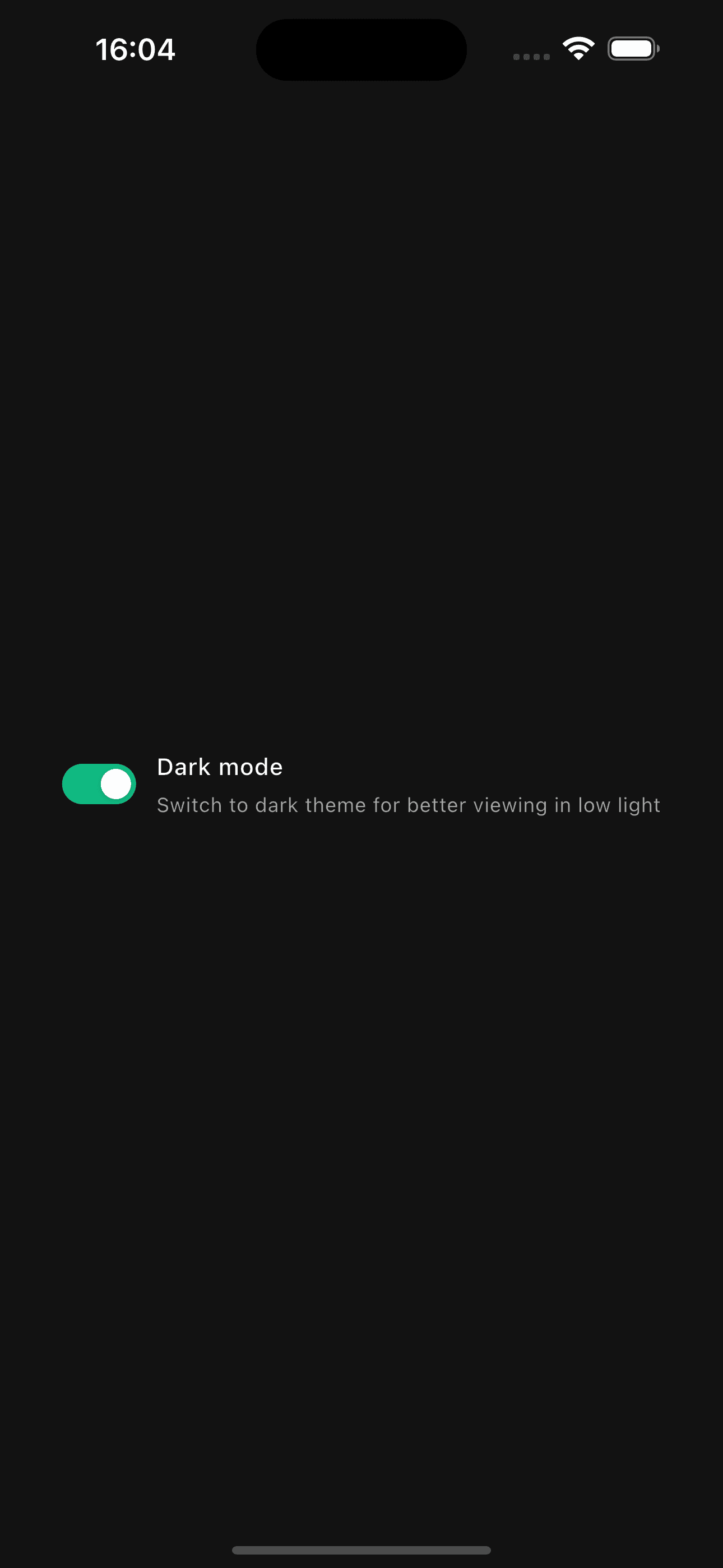
Toggle(
  value: darkMode,
  label: 'Dark mode',
  description: 'Switch to dark theme for low-light environments',
  onChanged: (value) => setState(() => darkMode = value),
);
Sizes
Pick from three sizes to match the density of the surrounding UI. Track/Thumb dimensions, spacing, and typography all scale together.
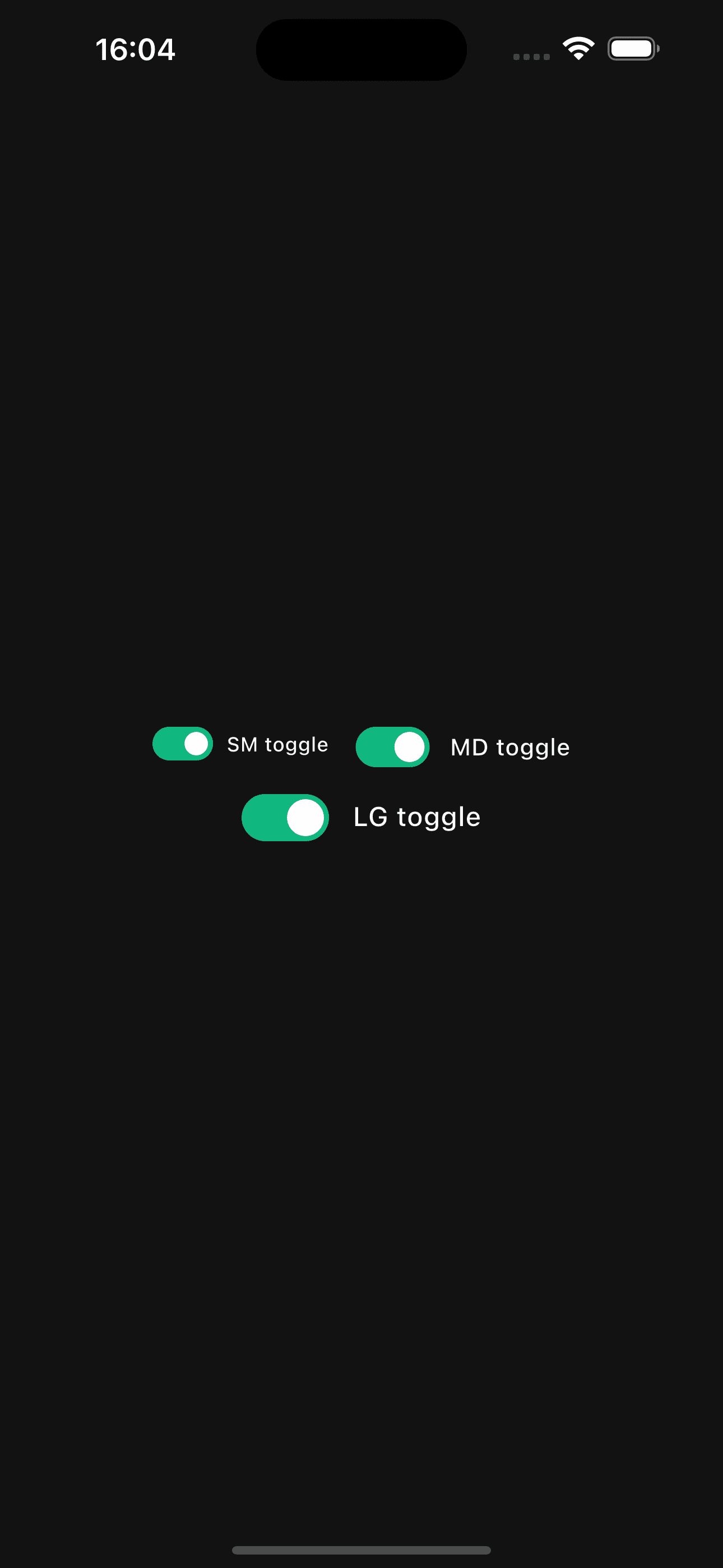
Wrap(
  spacing: 16,
  runSpacing: 16,
  children: ToggleSize.values
      .map(
        (size) => Toggle(
          value: values[size] ?? false,
          size: size,
          label: '${size.name.toUpperCase()} toggle',
          onChanged: (value) => setState(() => values[size] = value),
        ),
      )
      .toList(),
);
Disabled State
Set disabled to true to show non-interactive toggles. The cursor, track, thumb, and label all adopt disabled styles automatically.
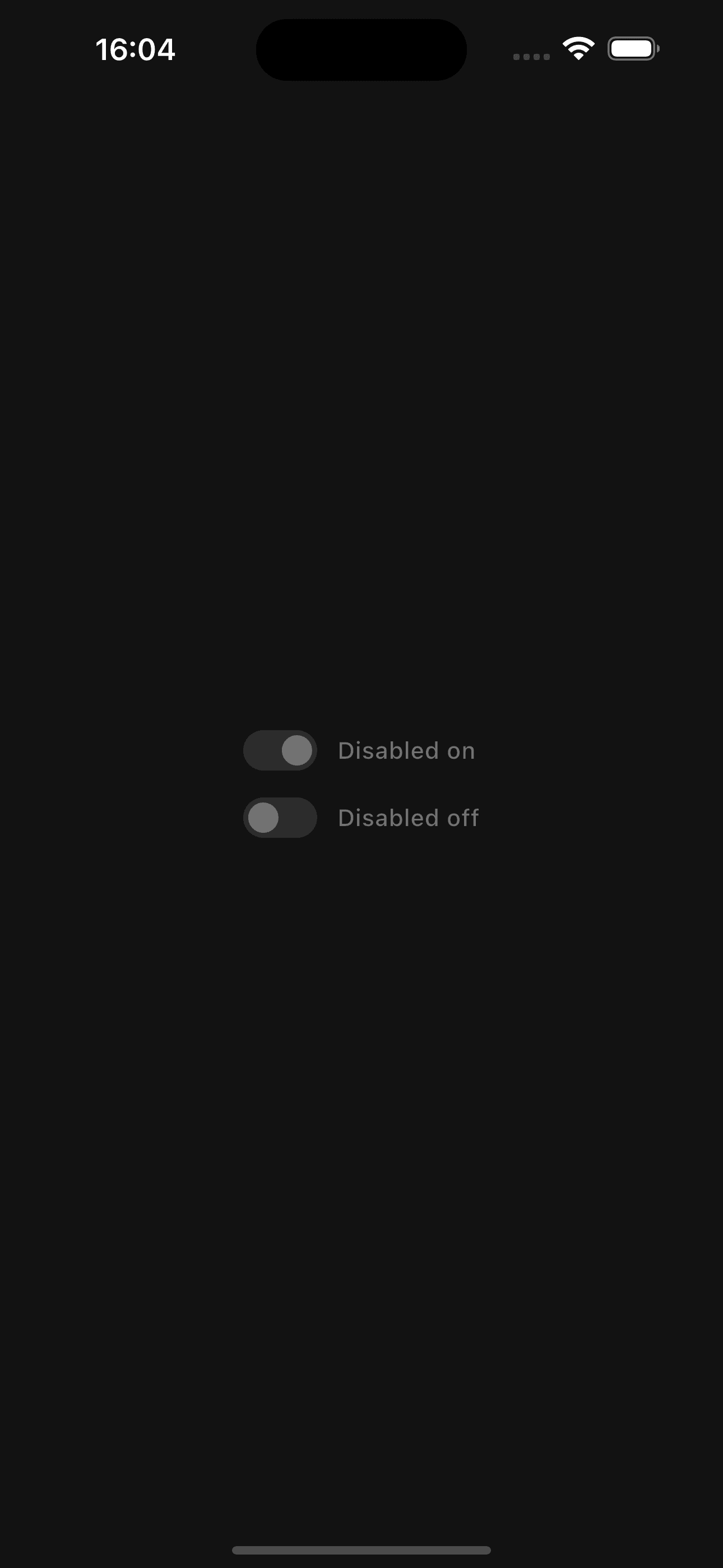
Column(
  crossAxisAlignment: CrossAxisAlignment.start,
  children: const [
    Toggle(
      value: true,
      label: 'Disabled on',
      disabled: true,
      onChanged: null,
    ),
    SizedBox(height: 16),
    Toggle(
      value: false,
      label: 'Disabled off',
      disabled: true,
      onChanged: null,
    ),
  ],
);
Error State
Use error and errorText to surface validation issues, like confirming terms of service or other mandatory options.
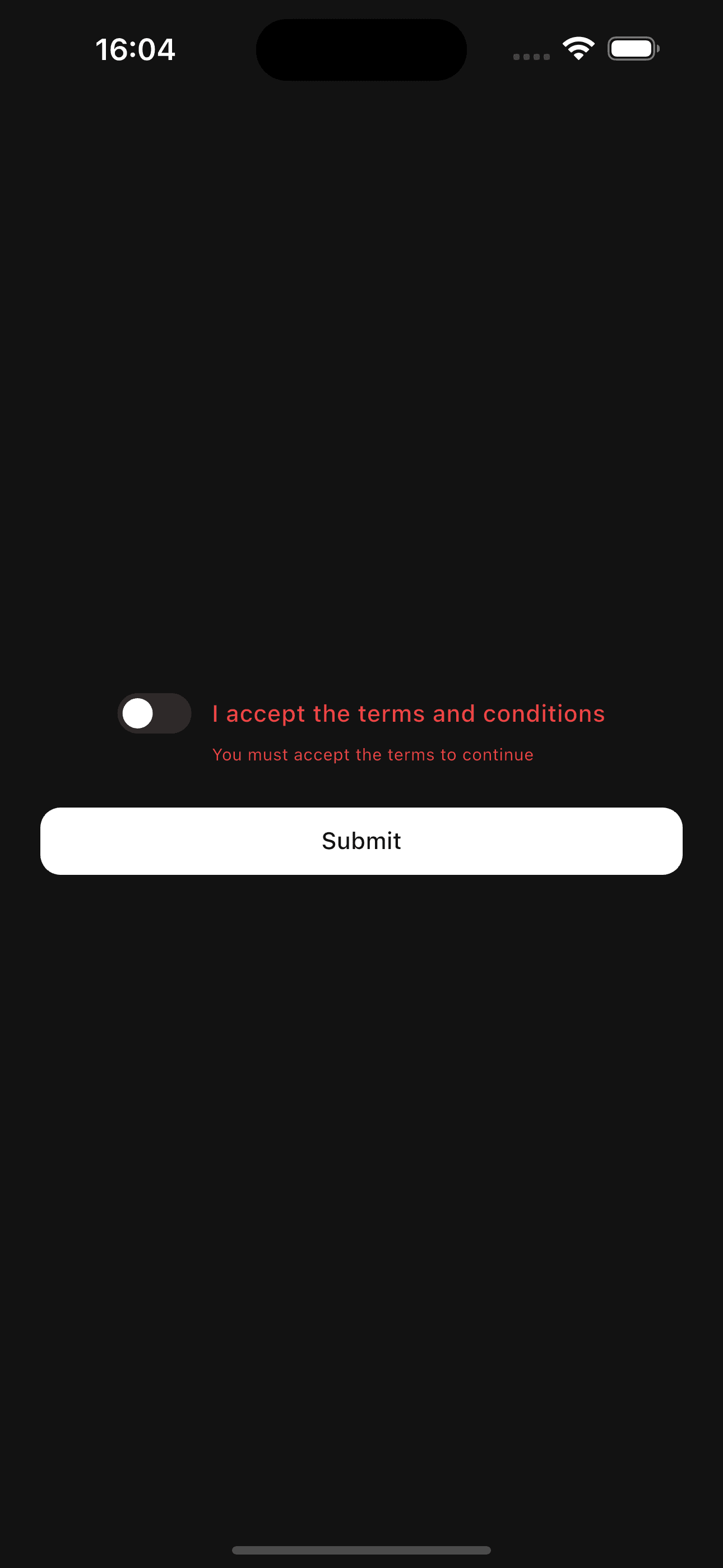
Toggle(
  value: acceptTerms,
  label: 'I accept the terms and conditions',
  error: showError,
  errorText: showError ? 'You must accept the terms to continue' : null,
  onChanged: (value) => setState(() => acceptTerms = value),
);
Custom Active Color
Override the success-colored track by passing activeColor. The component interpolates between the inactive surface and your color so transitions stay smooth.
Toggle(
  value: autoUpdate,
  label: 'Auto-update apps',
  activeColor: Colors.blueAccent,
  onChanged: (value) => setState(() => autoUpdate = value),
);
Toggles animate both the track fill and thumb translation. When moving from off → on, the color change is delayed until the thumb crosses the midpoint, mirroring modern OS behavior.
Because Toggle is controlled, keep the source of truth in state. Not
updating value inside onChanged will make the component appear unresponsive.
API Reference
Toggle
| Property | Type | Default | Description |
|---|---|---|---|
value | bool | required | Current on/off value. |
onChanged | ValueChanged<bool>? | required* | Called when the user toggles the switch. |
label | String? | null | Optional label rendered to the right of the switch. |
description | String? | null | Secondary text shown below the label. |
size | ToggleSize | ToggleSize.md | Controls track, thumb, gap, and font sizes. |
disabled | bool | false | Disables hover, press, and tap interactions. |
error | bool | false | Forces the track into the error color. |
errorText | String? | null | Optional helper text displayed under the toggle. |
activeColor | Color? | AppTheme.success | Custom track color when value is true. |
*Optional in the API to support disabled/onChanged-less previews, but required for interactivity.
ToggleSize
sm– Compact 36×20 track with 14px thumb, small typographymd– Default 44×24 track with 18px thumblg– Spacious 52×28 track with 22px thumb and larger text
Features
- Smooth animations – Independent thumb translation and track color easing
- Labels & descriptions – Built-in typography and spacing for adjacent text
- Error + helper text – Inline validation messaging support
- Custom colors – Override the success accent without rewriting styles
- Accessible states – Disabled cursor, hover, and pressed feedback baked in
- Responsive sizing – Three presets to match any layout density
Examples
Notification Preferences
Column(
  crossAxisAlignment: CrossAxisAlignment.start,
  children: [
    Toggle(
      value: emailUpdates,
      label: 'Email updates',
      description: 'Product launches, tips, and inspiration',
      onChanged: (value) => setState(() => emailUpdates = value),
    ),
    const SizedBox(height: 16),
    Toggle(
      value: pushAlerts,
      label: 'Push alerts',
      description: 'Remind me about important account events',
      onChanged: (value) => setState(() => pushAlerts = value),
    ),
  ],
);
Terms Confirmation
class TermsExampleState extends State<TermsExample> {
  bool _accepted = false;
  bool _submitted = false;

  void _handleSubmit() {
    setState(() => _submitted = true);
    if (_accepted) {
      // Continue flow...
    }
  }

  @override
  Widget build(BuildContext context) {
    final showError = _submitted && !_accepted;

    return Column(
      crossAxisAlignment: CrossAxisAlignment.start,
      children: [
        Toggle(
          value: _accepted,
          label: 'I agree to the updated Terms of Service',
          error: showError,
          errorText: showError
              ? 'You must accept the terms before continuing'
              : null,
          onChanged: (value) {
            setState(() {
              _accepted = value;
              if (_submitted && value) _submitted = false;
            });
          },
        ),
        const SizedBox(height: 24),
        Button(onPressed: _handleSubmit, child: const Text('Continue')),
      ],
    );
  }
}
Best Practices
- Use toggles only for instantaneous, reversible options
- Pair every toggle with clear labeling; add
descriptionwhen the action needs context - Group related toggles in columns or lists with consistent spacing
- Prefer forms or confirmation dialogs when the action is destructive or delayed
- Disable toggles while async work is running to prevent conflicting updates
- Keep the source of truth in state and debounce network syncs if needed